
GPX vs KML vs TCX vs FIT — when to use which
GPS and fitness apps speak different file formats. Pick the right one before you convert.
TL;DR
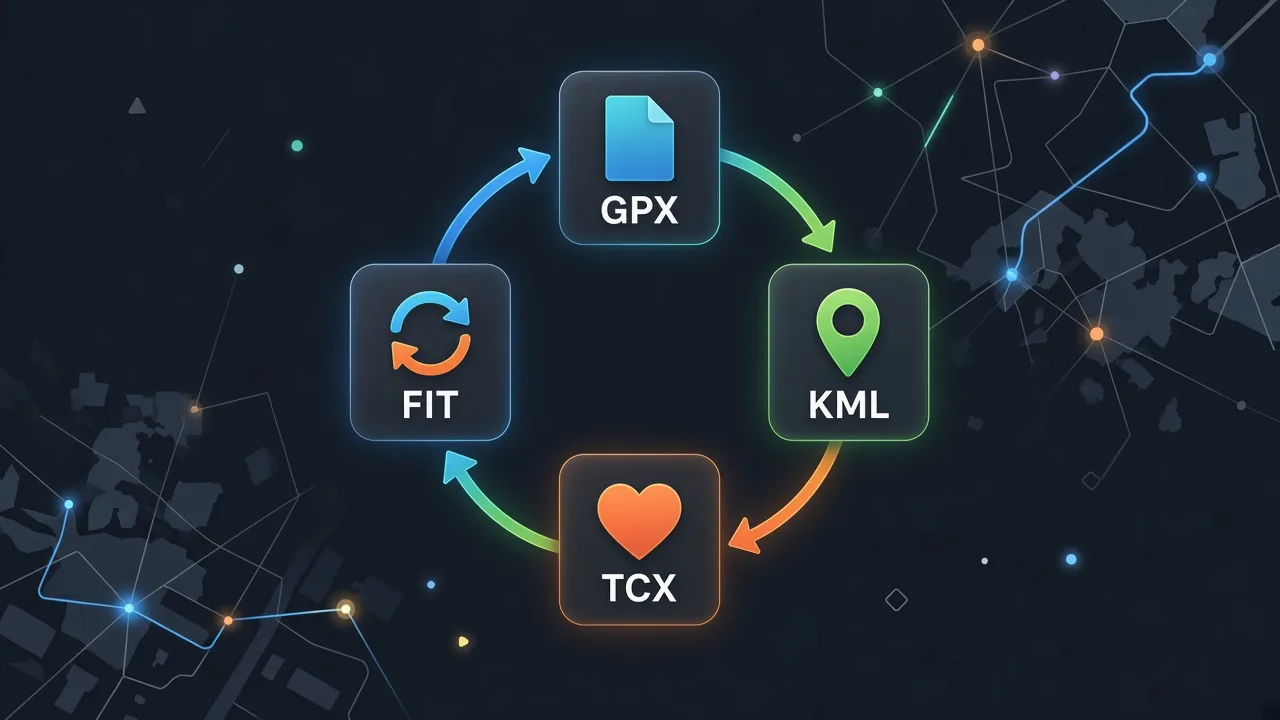
GPX is the universal open route format. KML is for Google Earth / My Maps. TCX is Garmin Training Center / many fitness exports. FIT is Garmin’s compact binary for activities and courses. Convert between them with our free in-browser tools — no uploads.
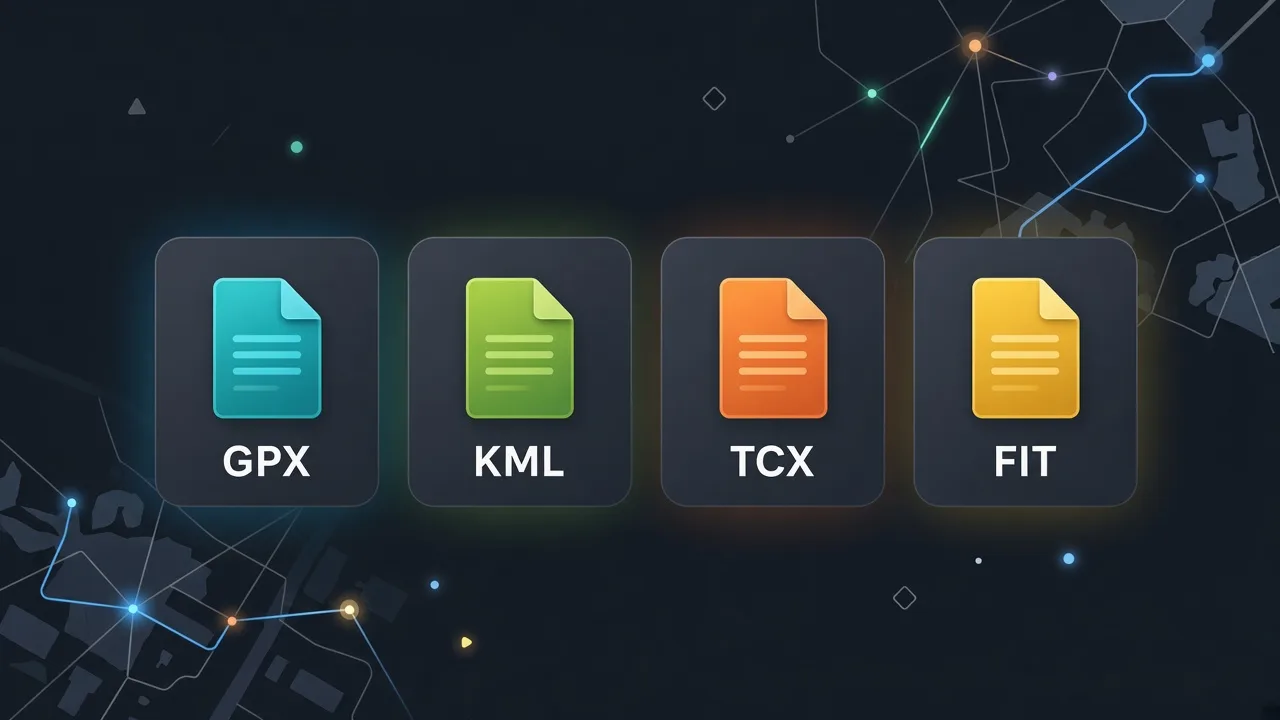
Format comparison
| Format | What it is | Use when |
|---|---|---|
| GPX | Open XML for tracks, routes, waypoints | Sharing routes across almost every GPS app |
| KML | Google Earth / My Maps markup | 3D Earth view or My Maps layers |
| TCX | Garmin Training Center XML | Fitness platforms that prefer TCX workouts |
| FIT | Garmin binary activities / courses | Watch activities or Course files for devices |
Converters on this site
All of these run in your browser. Files stay on your device.
FAQ
Related guides
Browse format tools
Convert GPX, KML, TCX, and FIT locally in your browser.
Open format tools