
Convert TCX to GPX — use Garmin activities in any GPS app
Upload a Garmin TCX activity or route file and get a GPX file for OruxMaps, Locus Map, Strava, and any GPS-compatible app. No file uploads.
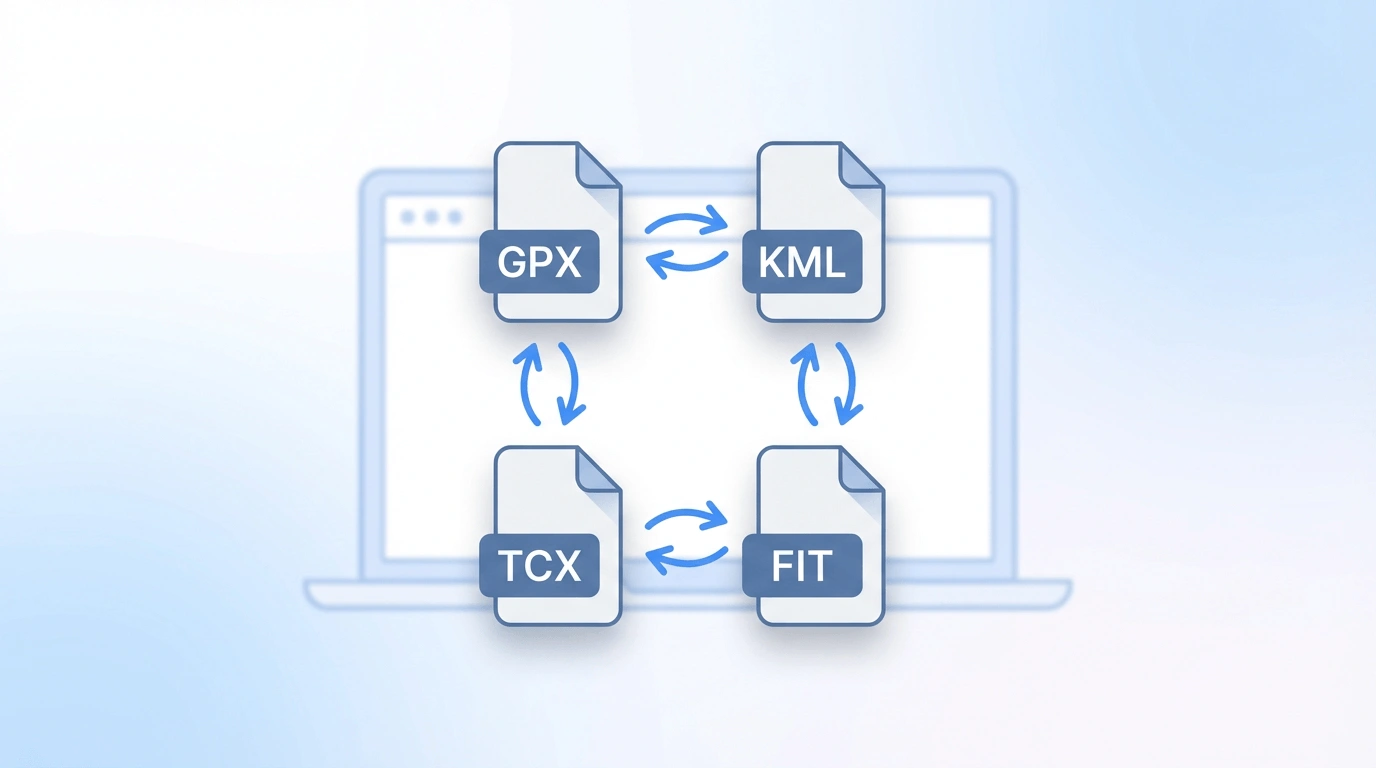
TCX to GPX
Upload a .tcx file to convert to .gpx. Use in any map or fitness app. Conversion runs in your browser — files are not uploaded.
Why convert TCX to GPX?
TCX is Garmin-specific — convert to GPX to use in OruxMaps, Strava, or any GPS app.
Use Garmin activities in any GPS app
TCX is Garmin-specific. Convert your TCX activity to GPX to use it in OruxMaps, Locus Map, Strava, Komoot, or any other GPS app or device.
Runs in your browser
Upload a TCX file and download a GPX file instantly. Conversion runs locally in JavaScript — your file never leaves your device.
Export from Garmin Connect
Export a TCX activity from Garmin Connect, convert it to GPX here, and use it in any mapping or navigation tool.
How to convert TCX to GPX
Three steps from a TCX file to a GPX file.
Upload your TCX file
Export a .tcx file from Garmin Connect or another fitness platform, then upload it here.
Convert in the browser
We extract the GPS track from your TCX file and build a GPX immediately in your browser.
Download and use
Download the .gpx file and import it into OruxMaps, Locus Map, Strava, or any app that accepts GPX.
Good to know
TCX (Training Center XML) is a Garmin format for recording activities with GPS tracks, lap markers, heart rate, cadence, and fitness data. Most non-Garmin apps don't support TCX and expect GPX instead.
Our converter extracts the GPS track from the TCX file and outputs standard GPX track points. Elevation data is preserved if present. Fitness metrics (heart rate, cadence) are not carried over since basic GPX doesn't support those fields.
All conversion is local. Need GPX to TCX? Use GPX to TCX.
When to use TCX to GPX
- Import a Garmin route or activity into OruxMaps, Locus Map, or another Android GPS app.
- View a Garmin activity on a map using our GPX viewer.
- Share a route with someone whose app only accepts GPX.
- Convert a TCX to KML for Google Earth — convert to GPX here, then use GPX to KML.
To export TCX from Garmin Connect: open an activity, click the three-dot menu, and choose Export Original → TCX.
Ready to convert TCX to GPX?
Upload a TCX file above and download a GPX file in seconds.