
Convert GPX, KML, TCX, and FIT — all in your browser
Convert between the most common GPS track formats. No file uploads, no installs. Works with Garmin, Strava, Google Earth, OruxMaps, and more.
GPS format conversion tools
Convert between track and route formats in your browser. Files are never uploaded.
Choose a tool
Why convert GPS formats in the browser?
Different devices and apps use different formats. Convert between them without uploading anything.
No uploads — runs in browser
All conversion runs in your browser using JavaScript. Your files never leave your device and are never sent to any server.
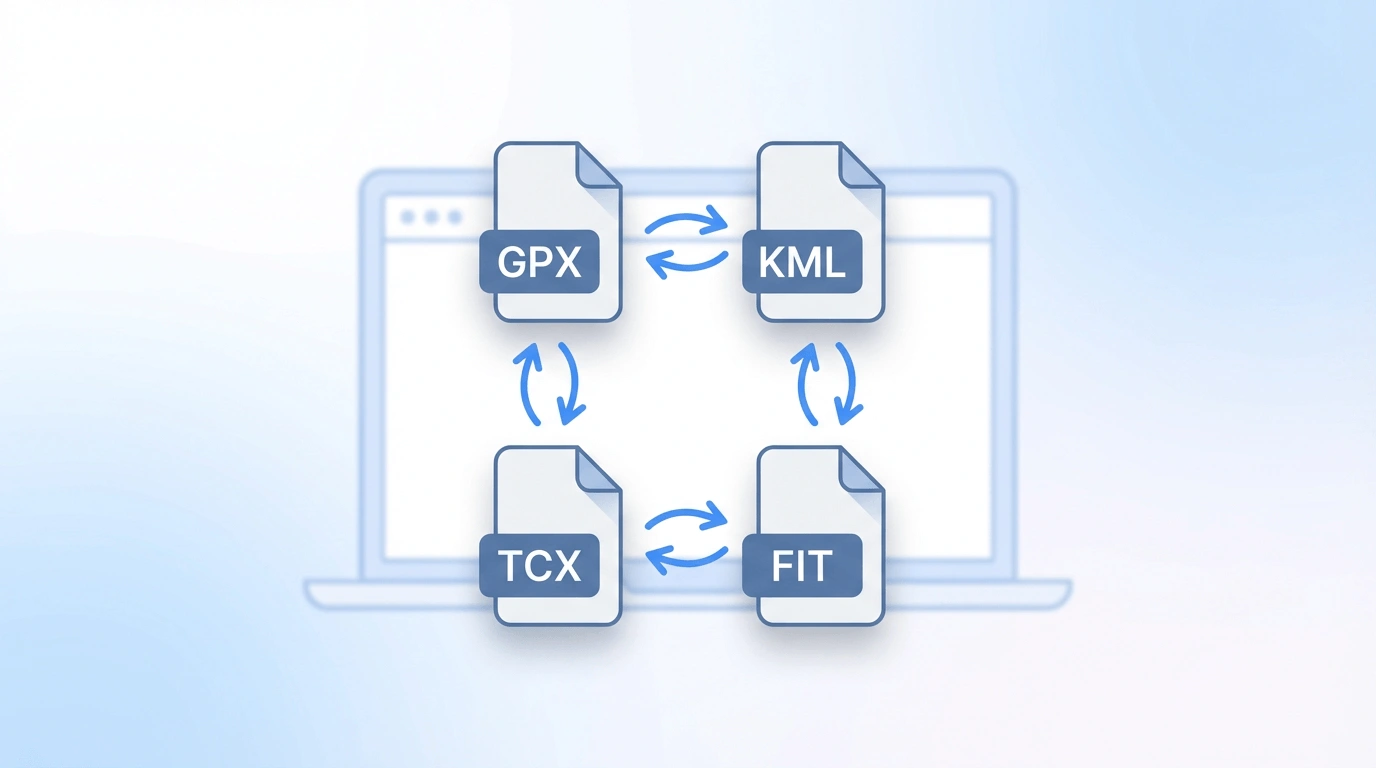
GPX, KML, TCX, and FIT
Convert between the four most common GPS and activity file formats used by Garmin, Strava, Google Earth, and navigation apps.
No install required
Open the tool in your browser, upload a file, download the converted result. No desktop software or plugins needed.
How to convert GPS formats
Pick a format pair, upload your file, and download the result.
Choose a conversion
Select the format pair you need — for example GPX to TCX, or KML to GPX.
Upload your file
Select the source file from your device. Parsing and conversion happen immediately in the browser.
Download the result
Download the converted file and import it into your GPS device, fitness app, or mapping tool.
Supported formats
GPX — The most widely supported open GPS format. Used by Garmin, Strava, OruxMaps, Locus Map, and virtually every GPS app.
KML — Used by Google Earth and Google My Maps. Use GPX to KML to share a route in Google Earth.
TCX — Garmin's training format for Garmin Connect and fitness apps. Use GPX to TCX or TCX to GPX.
FIT — Garmin's binary format. Use FIT to GPX to extract a track, or GPX to FIT for a Course file.
All conversions run locally in your browser. To go from a Maps URL to GPX, use the Google Maps to GPX.
Good to know
All tools on this page read and write GPS track and route data — latitude, longitude, and optionally elevation and timestamps. Fitness metadata (heart rate, cadence) is only carried over if both the source file and target format support it.
FIT is a binary format. FIT to GPX extracts the GPS track. GPX to FIT writes a Course file for planned routes (not a full activity with heart rate or power).
Files are processed in your browser using JavaScript. No file size limits beyond what your browser can handle. Your files are never uploaded.
Ready to convert your GPS file?
Choose a conversion tool above and convert your file in seconds — no upload required.