Convert GPX to FIT — Garmin course files in the browser
Turn a planned GPX route into a Course FIT you can send to Garmin Connect or a compatible watch. Conversion stays on your device.
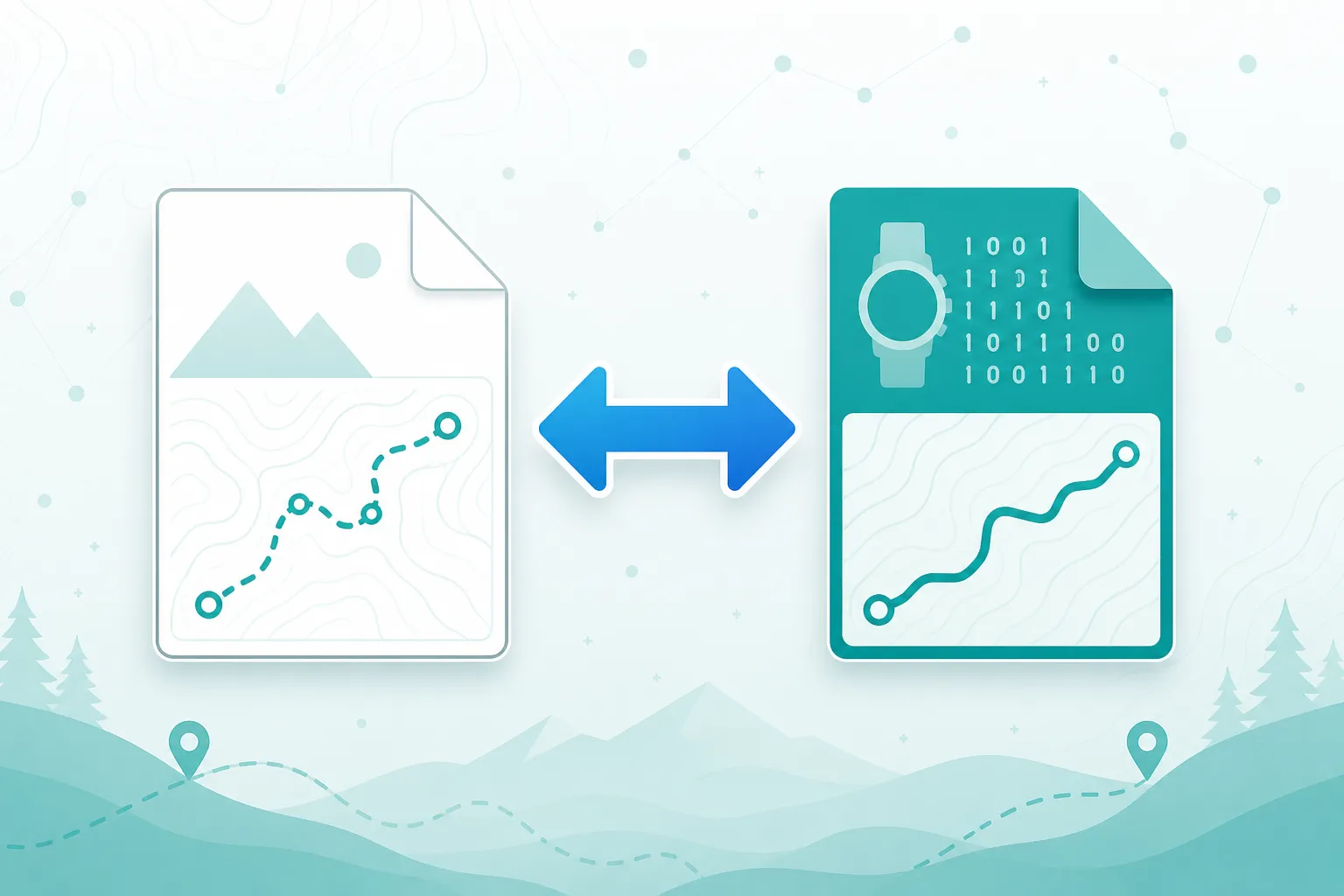
GPX to FIT
Upload a .gpx track and download a Course .fit file. Designed for planned routes — not a full activity with heart rate or power.
Why convert GPX to FIT?
Many Garmin workflows prefer FIT courses. If your planner only exports GPX, convert here before sending to the device.
Garmin-oriented Course FIT
Build a course file from your GPX points for route following on compatible Garmin devices.
Runs in your browser
Encoding happens locally. Your route is not uploaded to our servers.
Preview before download
See the track on a map, then download the .fit file.
How to convert GPX to FIT
Three steps from a GPX route to a Course FIT download.
Upload your GPX
Select a .gpx track or route with at least two points.
Encode as Course FIT
We write FIT course and record messages from your coordinates in the browser.
Download and import
Download course.fit and import it via Garmin Connect or your device workflow.
Good to know
This tool writes a Course FIT (route for navigation), not a completed Activity with heart rate, cadence, or power.
Always verify the course on Garmin Connect or your device before a critical event. Device firmware can differ in how courses are imported.
Need the other direction? Use FIT to GPX to extract a GPX track from an existing FIT file.
When to use GPX to FIT
- You planned a route as GPX and want it on a Garmin watch or Edge.
- A coaching or mapping tool only exports GPX.
- You prefer FIT courses over GPX imports on your Garmin.
- You want a private browser conversion without uploading to a third-party site.
Ready to create a FIT course?
Upload a GPX above and download a Course FIT for Garmin.