
GPX for Pokemon GO — waypoints with timestamps from Google Maps
Convert any Google Maps walking route into a GPX file with waypoints and timestamps for Pokemon GO route simulation tools. Paste, sign in, and download.

Why use GPX for Pokemon GO?
GPX for Pokemon GO is a waypoint file with timestamps derived from a Google Maps directions URL. Route simulation tools need those timestamps to control movement speed — a plain Maps link is not enough.
Timestamped waypoints
Pokemon GO route tools use GPX waypoints with timestamps to control movement speed along the route. This page outputs exactly that format.
Works with route simulators
The generated GPX file is compatible with popular Pokemon GO route simulation tools that accept GPX input.
Any Maps route
Plan any walking, cycling, or driving route in Google Maps, paste the URL, and get a Pokemon GO-ready GPX file.
How to create a Pokemon GO GPX from Google Maps
Three steps from a Maps route to a Pokemon GO-ready GPX file.
Plan your route in Maps
Open Google Maps, create a directions route (walking routes work best for Pokemon GO), and copy the URL.
Paste, sign in, and convert
Paste the link above. Sign in with Google, confirm Pokemon GO mode is selected, and convert to add timestamps.
Load in your simulation tool
Download the GPX file and load it into your preferred Pokemon GO route simulation tool.
Simulated travel options
When you download your GPX, you can set these options in the Simulated Travel Options dialog.
Simulated Travel Duration
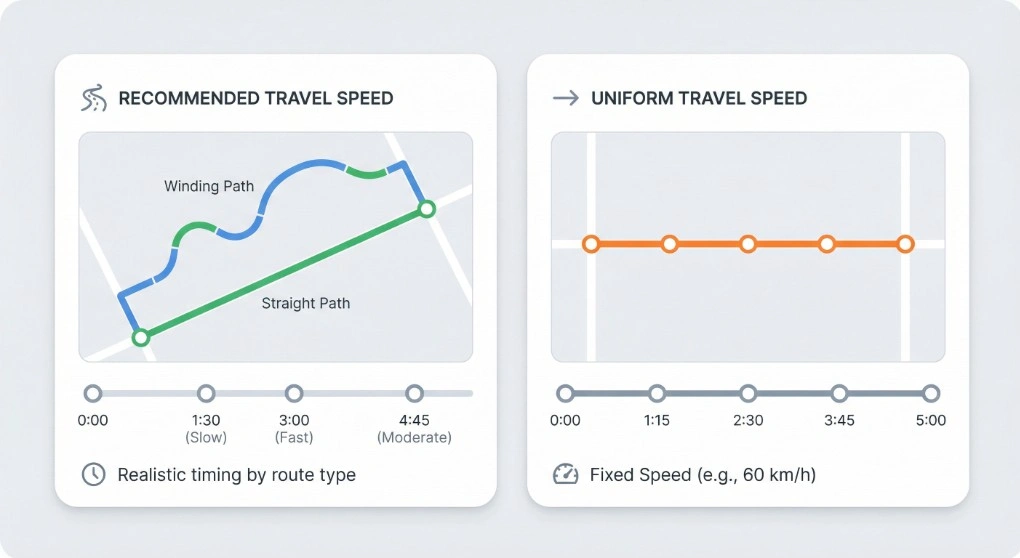
Choose Recommended Travel Speed for realistic timing based on your route type (walking, cycling, or driving), or Uniform Travel Speed to set a fixed speed (e.g. 60 km/h). The timestamps on each waypoint are spread accordingly, so the total simulated duration matches your choice.
Extra wait time at waypoints
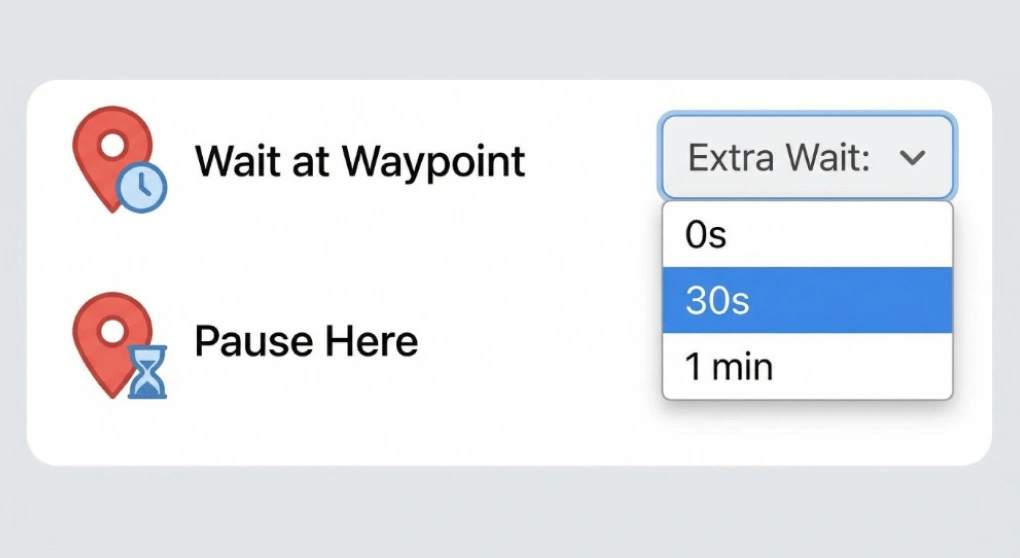
Add an optional pause at every waypoint — e.g. 0s, 30s, or 1 min. Useful for simulating stops at Pokemon GO locations or for testing apps that expect the user to stay at a point for a while before moving on.
Include Estimated Elevation
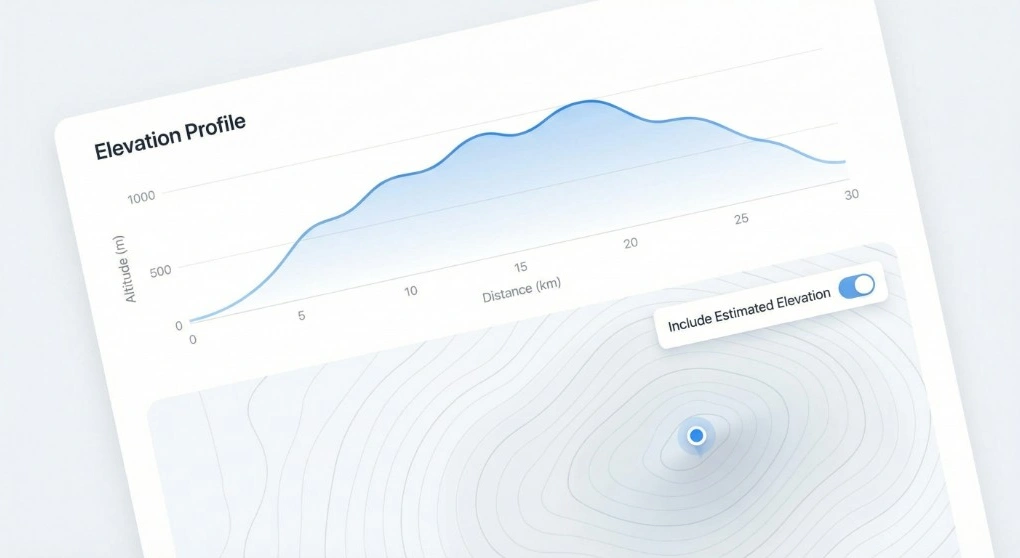
When downloading for iPhone or Android, you can turn on Include Estimated Elevation to write an estimated elevation value for each point in the GPX. Handy for fitness apps, terrain-aware navigation, or any tool that uses altitude data.
Good to know
Pokemon GO route tools typically require a GPX file with waypoints and timestamps. The timestamps control movement speed — a GPX without timestamps may move too fast or fail entirely. This page's Pokemon GO mode adds timestamps to every waypoint based on a realistic walking pace.
For best results, use a walking or cycling route in Google Maps. Driving routes produce closely spaced waypoints that may look unnatural. The Google Maps URL must be a directions route (containing /dir/).
Your route data is not stored after the GPX is generated. Sign-in is required only to fetch the route from Google Maps.
When to use this tool
- Route planning — test a new walking route in Pokemon GO before going out.
- Hatching eggs — simulate distance-based walking along a planned path.
- Buddy candy — simulate buddy walking along a specific real-world route.
- Exploring new areas — plan routes through high-density Pokéstop areas in Google Maps.
For Xcode/iPhone simulation, use the iPhone GPX page. For Android GPS apps, use the Android GPX page.
Frequently asked questions
Ready to build your Pokemon GO route?
Paste a Google Maps walking route above and get a GPX file with timestamps in seconds.