
GPX track for Android — OruxMaps, Locus Map, and more
Convert a Google Maps directions link into a GPX track file for any Android GPS app. Paste your route URL, sign in, and download.
Why use GPX on Android?
Google Maps to GPX for Android means turning a Maps directions URL into a track-format GPX file for OruxMaps, Locus Map, OsmAnd, and similar apps. Google Maps gives you a link — Android GPS apps need that file for offline navigation.
Track format for Android
Android GPS apps like OruxMaps and Locus Map expect a GPX track — a continuous path of points. This page outputs track-format GPX, ready to import.
Any Android map app
The GPX file works with OruxMaps, Locus Map, Komoot, OsmAnd, Maps.me, and any other Android app that can import GPX tracks.
No file uploads
Conversion runs on our server after you sign in. Your route data is not stored. No files are transferred from your Android device.
How to convert Google Maps to GPX for Android
Three steps from Maps link to a GPX track on your Android device.
Copy your Maps link
Open Google Maps, set a directions route, and copy the URL. Full URLs and short maps.app.goo.gl links both work.
Paste, sign in, and convert
Paste the link in the converter above. Sign in with Google when prompted, then tap Convert to build your GPX track.
Import into your Android app
Download the GPX file and import it into OruxMaps, Locus Map, or your preferred Android navigation app.
Simulated travel options
When you download your GPX, you can set these options in the Simulated Travel Options dialog.
Simulated Travel Duration
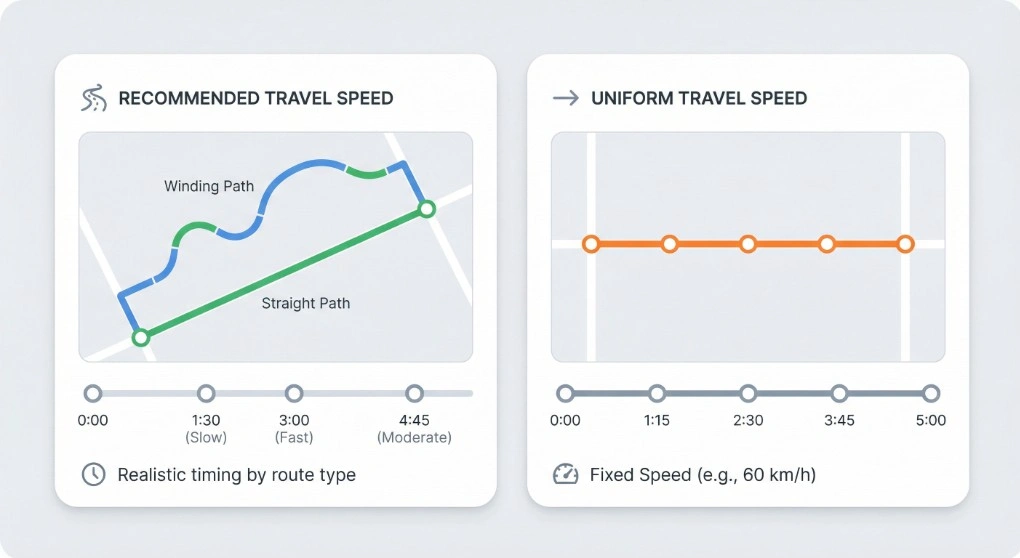
Choose Recommended Travel Speed for realistic timing based on your route type (walking, cycling, or driving), or Uniform Travel Speed to set a fixed speed (e.g. 60 km/h). The timestamps on each waypoint are spread accordingly, so the total simulated duration matches your choice.
Extra wait time at waypoints
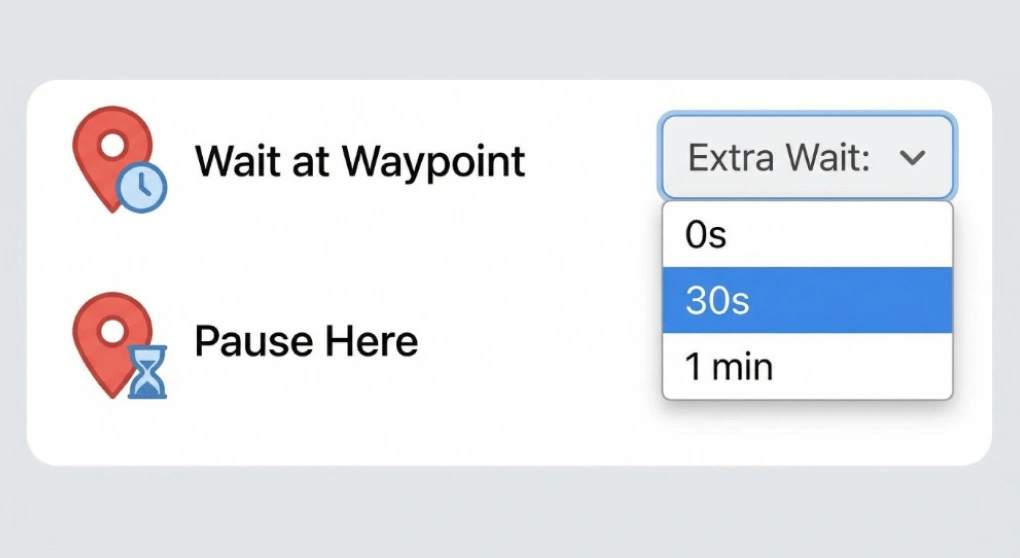
Add an optional pause at every waypoint — e.g. 0s, 30s, or 1 min. Useful for simulating stops at Pokemon GO locations or for testing apps that expect the user to stay at a point for a while before moving on.
Include Estimated Elevation
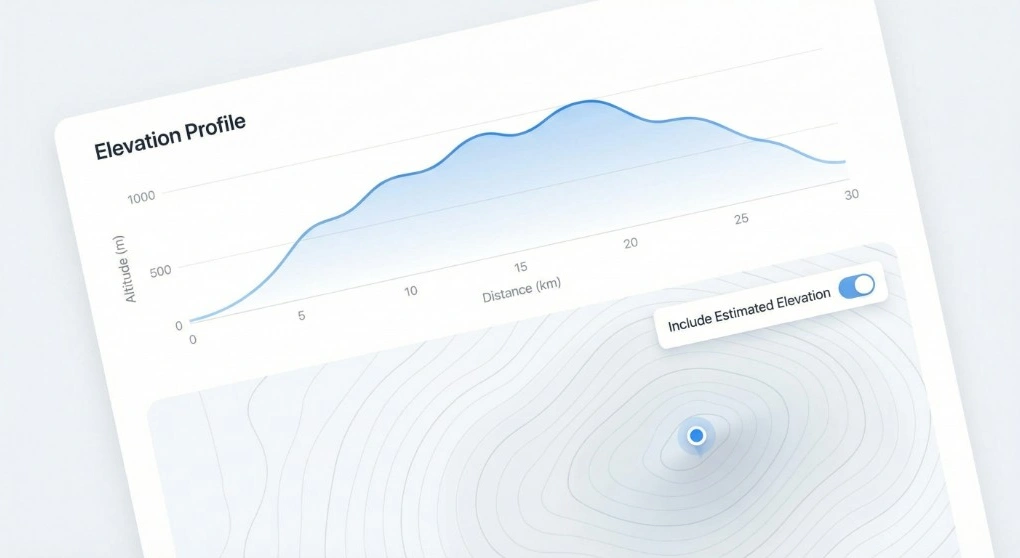
When downloading for iPhone or Android, you can turn on Include Estimated Elevation to write an estimated elevation value for each point in the GPX. Handy for fitness apps, terrain-aware navigation, or any tool that uses altitude data.
Good to know
Android map apps typically import GPX tracks — a sequence of GPS coordinates forming a continuous path. This is different from waypoints, which are individual named points. The converter on this page defaults to track mode, which is the format OruxMaps, Locus Map, OsmAnd, and most other Android navigation apps expect when you import a route.
The Google Maps URL you paste must be a directions route — it needs to contain /dir/ in the path. Both full-length Google Maps URLs and short maps.app.goo.gl links are supported.
You can export cycling, hiking, driving, or walking routes — any route you plan in Google Maps can become a GPX track for Android.
When to use this tool
- Cyclists and mountain bikers who plan roads in Google Maps and navigate with OruxMaps or Locus Map.
- Hikers and trail runners who want offline navigation with a GPX route on their Android device.
- Drivers who need a route in a navigation app that accepts GPX tracks.
- Android developers who need a GPX track to test location-aware apps.
For Xcode or Pokemon GO, see the iPhone GPX page or Pokemon GO GPX page.
Frequently asked questions
Ready to export your Android GPX track?
Paste a Google Maps directions link above and download a track-format GPX file.