Convert GeoJSON to GPX — import web/GIS data into any GPS app
Upload a GeoJSON file (LineString or FeatureCollection) and get a GPX file for Garmin, OruxMaps, Locus Map, and more.
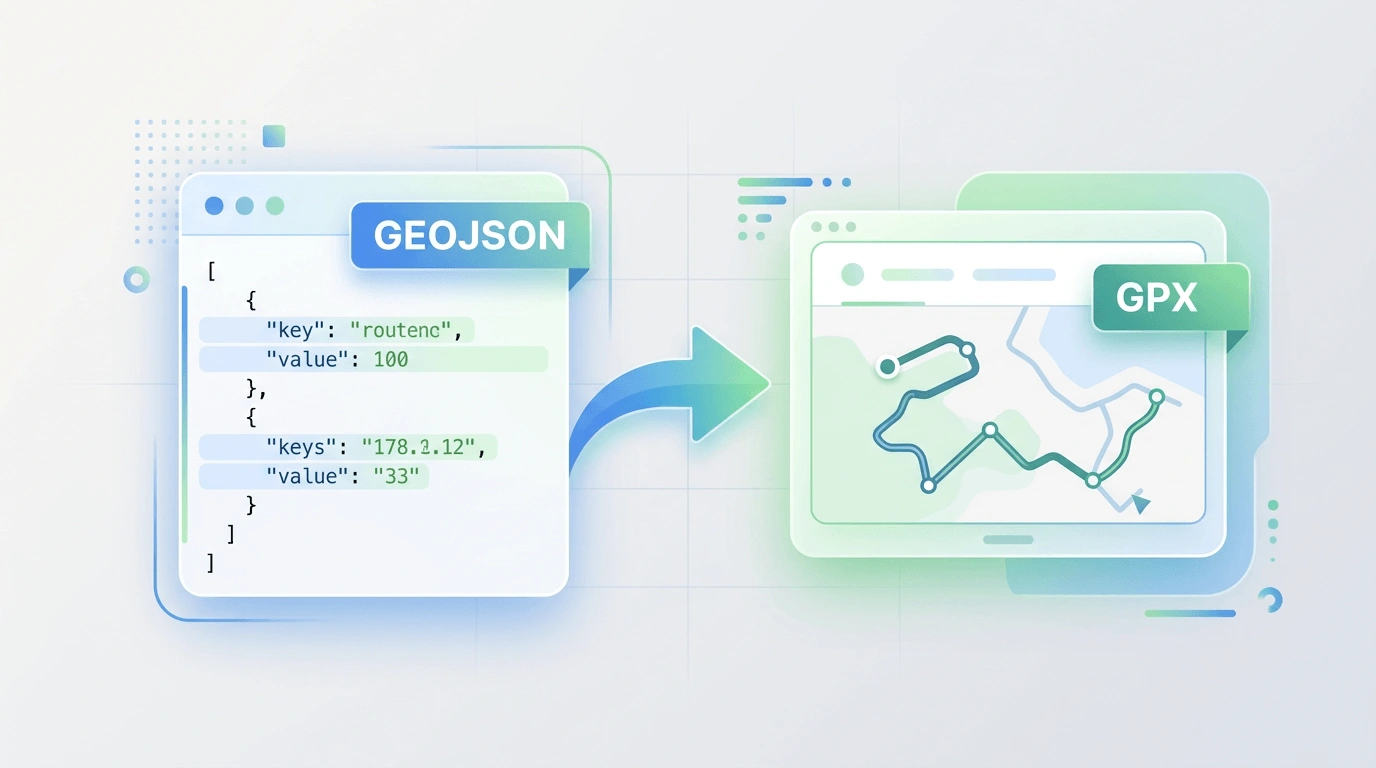
GeoJSON to GPX
Upload a .geojson or .json file to convert to .gpx. Supports LineString and FeatureCollection. Conversion runs in your browser — files are not uploaded.
Why convert GeoJSON to GPX?
GPX works in every GPS app — GeoJSON from web maps or GIS needs to be converted first.
Import GeoJSON into any GPS app
GPX is supported by every GPS device and navigation app. Convert a GeoJSON route from a web map or GIS tool to a GPX file you can load anywhere.
Runs in your browser
Upload a GeoJSON file and download the GPX in seconds. No server processing — conversion runs locally in JavaScript.
LineString and FeatureCollection
We extract LineString and MultiLineString geometries from GeoJSON and convert them to GPX track points.
How to convert GeoJSON to GPX
Three steps from a GeoJSON file to a GPX file for any GPS app.
Upload your GeoJSON file
Click the upload button and select a .geojson or .json file. Exported from a web map, GIS tool, or API.
Convert in the browser
We parse the GeoJSON and build a GPX file immediately in your browser. Nothing is sent to any server.
Download and use
Download the .gpx file and import it into OruxMaps, Garmin, Locus Map, or any GPS app that accepts GPX.
Good to know
GeoJSON is used by web mapping libraries (Leaflet, Mapbox) and GIS tools. Most GPS devices and apps expect GPX for route import. This converter extracts LineString (and MultiLineString) coordinates and outputs GPX track points.
We support FeatureCollection, Feature with geometry, or a bare LineString/MultiLineString/Point. The first LineString (or first line of MultiLineString) is converted to GPX.
All conversion is local. Need the reverse? Use our GPX to GeoJSON tool.
When to use GeoJSON to GPX
- Import a route from a web map or API (GeoJSON) into a Garmin device.
- Load a GeoJSON route into OruxMaps, Locus Map, or another GPS app.
- Use a route exported from QGIS or another GIS tool in a GPS app that only accepts GPX.
- Convert a GeoJSON file from the web into a GPS-compatible format.
Starting from a Google Maps route? Use the Google Maps to GPX which exports GPX directly.
Ready to convert GeoJSON to GPX?
Upload a GeoJSON file above and download a GPX file in seconds.