
Turn a GPX file into a shareable Google Maps link
Upload a route from Garmin, Strava, or any GPS app and get a Maps directions URL you can send to anyone. Preview the waypoint sample first — parsing stays on your device.
GPX to Google Maps link
Upload a .gpx file to build a Google Maps directions URL. Dense tracks are simplified to fit Maps URL limits. This is an approximate waypoint link — not a full track overlay.
Why convert GPX to a Google Maps link?
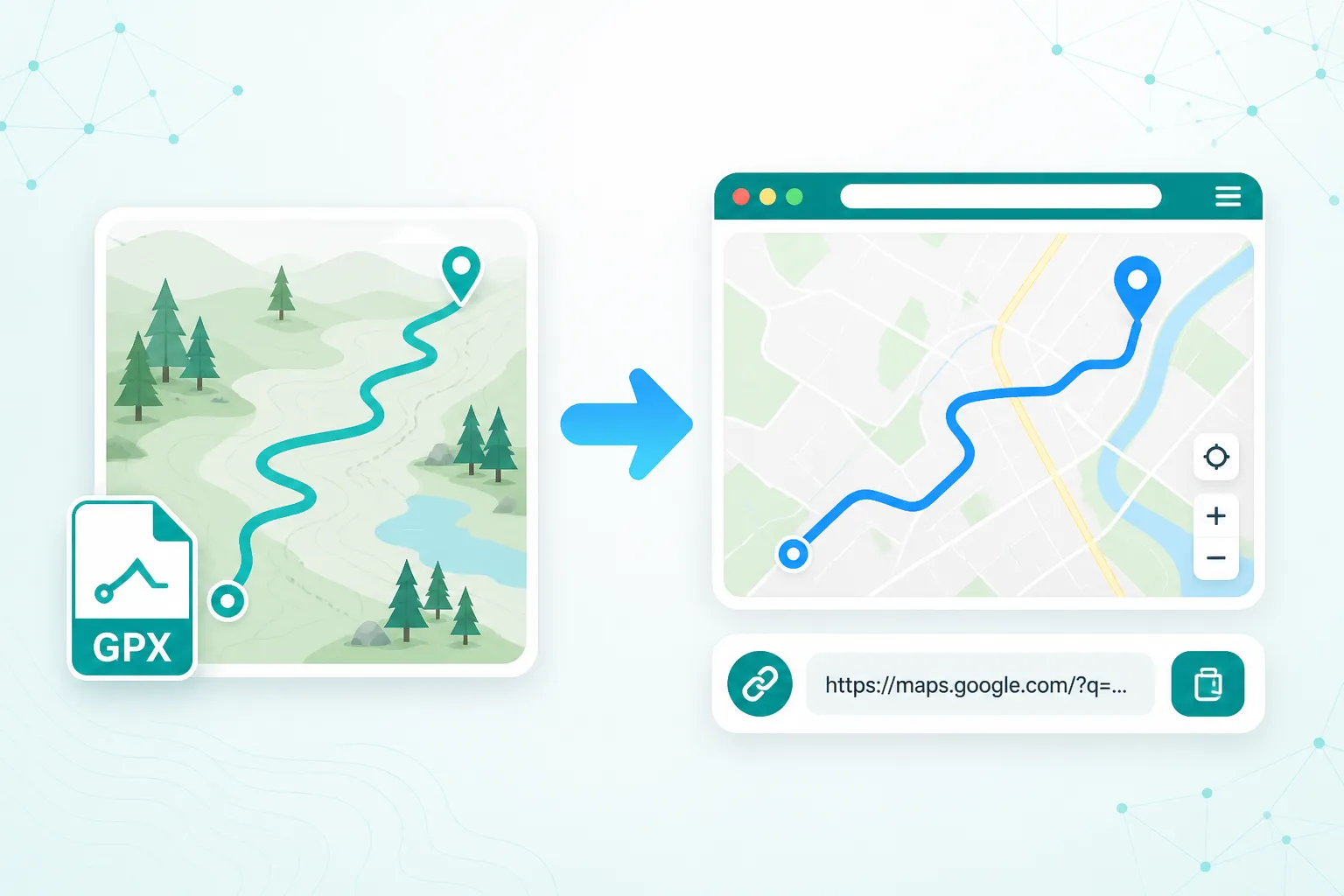
GPX to Google Maps link conversion turns a local GPX file into a shareable Maps directions URL for people who only open Google Maps. Dense tracks are simplified to waypoint samples that fit Maps URL limits.
Share with Maps-only users
Send a familiar Google Maps directions link instead of asking people to open a GPX file.
Local parsing — no uploads
Your GPX is read in the browser. It never leaves your device. No sign-in required.
Preview before you share
See the original track and the simplified waypoints side by side so you know what the link will look like.
How to convert GPX to a Google Maps link
Three steps from a GPX file to a shareable Maps URL.
Upload your GPX file
Select a .gpx file. We parse track, route, or waypoint data in your browser.
Preview the simplified points
We reduce dense tracks to a Maps-friendly waypoint set and show original vs link points on a map.
Open or copy the link
Open the route in Google Maps, or copy the URL to share. Use the start–end link if the full URL is too long.
Good to know
Google Maps directions links use waypoints, not a free-drawn track. Maps may recalculate the path along roads between those points — especially for off-road or dense trails.
We simplify your track with Douglas–Peucker to about 27 points (start, end, and key bends) so the URL stays within Maps limits. The preview shows your original track (faded) next to the points used in the link (teal).
All parsing runs in your browser. For an exact on-map view of every point, use the GPX viewer instead of a directions link.
When to use this tool
- Sharing a Garmin or Strava route with someone who only opens Google Maps.
- Group rides or hikes where some people need a familiar Maps link on their phone.
- Quick start/end check in Maps before you import the full GPX onto a device.
- Sending a rough navigation outline when a full GPS track viewer is overkill.
Need every track point on a map? Use our GPX viewer.
Frequently asked questions
Ready to share your GPX in Maps?
Upload a GPX above, preview the sample, then open or copy the Maps link.