
Convert FIT to GPX — extract GPS tracks from Garmin activities
Upload a FIT file from Garmin Connect or Strava and get a standard GPX track. Use it in OruxMaps, Google Earth, or any GPS app. No file uploads.
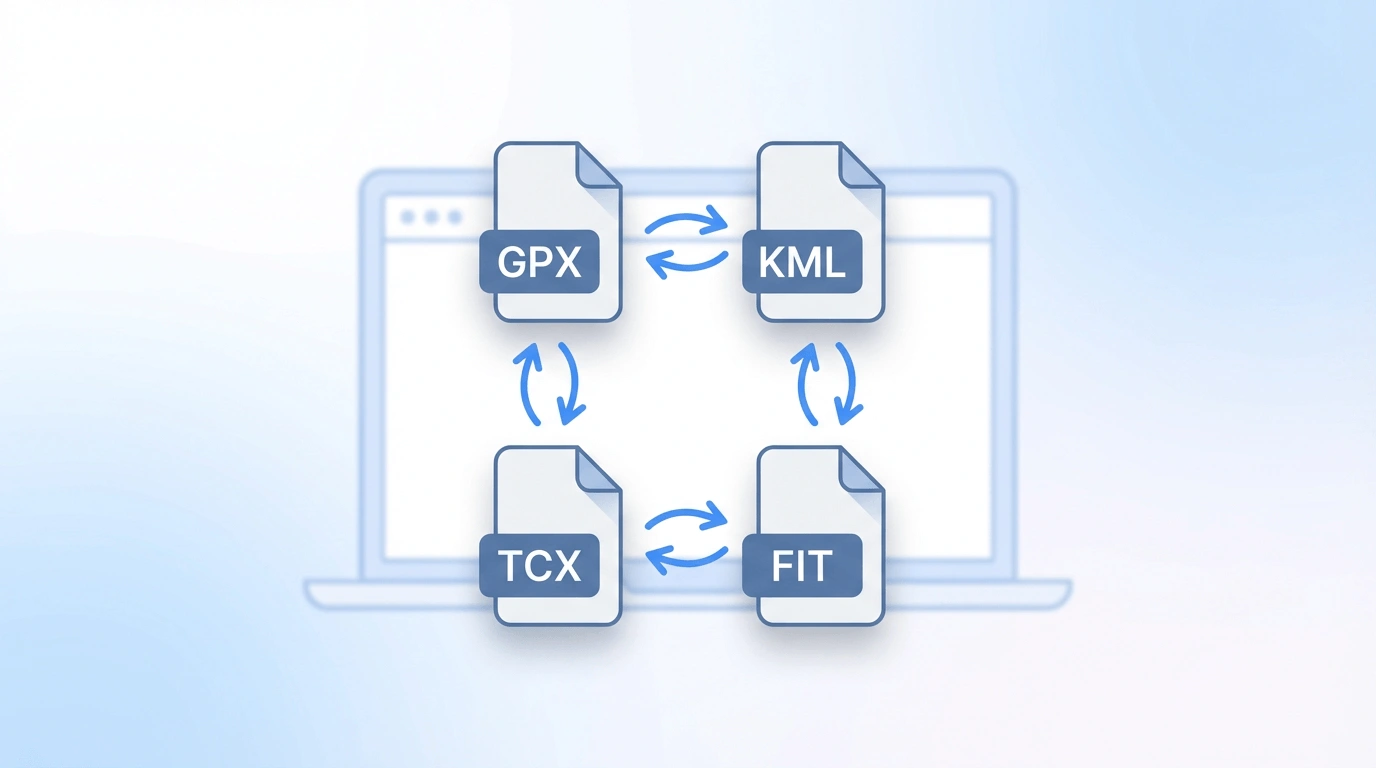
FIT to GPX
Upload a .fit file (from Garmin, Strava, etc.) to convert to .gpx. Conversion runs in your browser — files are not uploaded.
Why convert FIT to GPX?
FIT to GPX conversion extracts the GPS track from a Garmin binary activity file into open GPX so you can view or import the route in OruxMaps, Google Earth, Strava-friendly workflows, and other apps that expect GPX.
Extract GPX from Garmin activities
FIT is Garmin's binary format for recorded activities. Convert a FIT file to GPX to use the GPS track in OruxMaps, Locus Map, Google Earth, or any GPS app.
Runs in your browser
Upload a FIT file and download a GPX file instantly. The FIT binary is parsed locally in your browser — your activity data never leaves your device.
Works with Garmin and Strava FIT
Export a FIT file from Garmin Connect or Strava and convert it to GPX. The GPS track is extracted and output as a standard GPX file.
How to convert FIT to GPX
Three steps from a FIT file to a GPX track.
Export and upload your FIT file
Export a .fit file from Garmin Connect, Strava, or your Garmin device, then upload it here.
Convert in the browser
We parse the FIT binary and extract the GPS track, then output it as a standard GPX file in your browser.
Download and use
Download the .gpx file and use it in OruxMaps, Locus Map, Google Earth, the GPX viewer, or any GPS-compatible app.
Good to know
FIT (Flexible and Interoperable Data Transfer) is a compact binary format by Garmin, storing GPS coordinates, timestamps, heart rate, power, cadence, and elevation. Garmin devices record in FIT format; Strava also exports FIT files.
Our converter extracts the GPS track and outputs a standard GPX tracklog. Timestamps and elevation are preserved. Fitness metrics (heart rate, power, cadence) are not included as standard GPX doesn't have those fields.
All conversion is local — the FIT binary is parsed in your browser. To export FIT from Garmin Connect, open an activity → "Export Original". For Strava, use the activity settings → "Export FIT".
When to use FIT to GPX
- View a recorded Garmin or Strava activity on a map using our GPX viewer.
- Share an activity route with someone whose app only accepts GPX.
- Import a recorded GPS track into OruxMaps, Locus Map, or another navigation app.
- Further convert the route to KML for Google Earth using our GPX to KML tool.
Note: our tool extracts the GPS route only. To preserve heart rate, cadence, or power data, you'll need a specialized fitness data converter.
Frequently asked questions
Ready to convert FIT to GPX?
Upload a FIT file above and download a GPX file in seconds.