
gpx.studio Alternative: GMaps to GPX vs gpx.studio
Get GPX from Google Maps — one free conversion for new users, plus free format tools and GPX Viewer. gpx.studio edits GPX in the browser but doesn't convert Maps to GPX; we do.
TL;DR
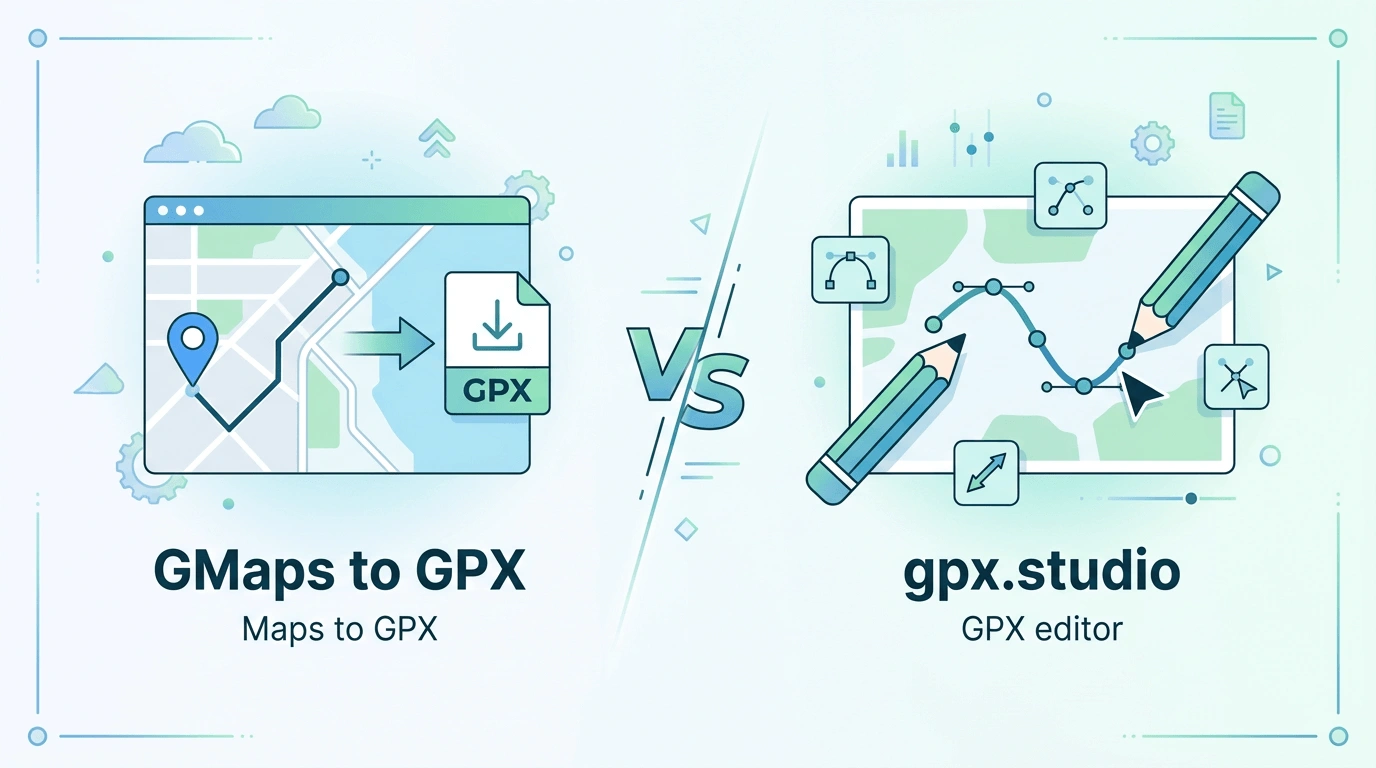
GMaps to GPX turns a Google Maps directions link into a GPX file (one free conversion for new users) and offers free format tools (GPX↔KML, GPX↔TCX, FIT→GPX, GPX→Maps) and a free GPX Viewer. gpx.studio is a free online GPX editor: view, edit, and create GPX in the browser (route planning, merge/split, elevation) but it does not convert Google Maps routes to GPX.
Choose GMaps to GPX if you need to get GPX from Google Maps, want free format conversion and a local GPX preview, or need Android/iPhone/Pokemon GO guides with credit-based pricing. Choose gpx.studio if you need a full in-browser GPX editor (draw, edit, merge, split) and don't need Maps→GPX.
At a glance
| Dimension | GMaps to GPX | gpx.studio |
|---|---|---|
| Core | Maps URL→GPX (main); GPX→Maps and format tools free | Online GPX editor: view, edit, create GPX; route planning; no Maps→GPX |
| Free tier | 1 free conversion for new users; all /tools and GPX Viewer free | Fully free, donation-supported, ad-free |
| Paid | Credits (only Maps→GPX uses credits), never expire, refundable | Voluntary donation only, no payment required |
| Platform guides | Dedicated pages: Android, iPhone, Pokemon GO | No dedicated platform or import guides |
| Format tools | Free: GPX↔KML, GPX↔TCX, FIT→GPX, GPX→Maps | GPX edit and export only; no KML/TCX/FIT conversion |
| GPX preview / edit | Free GPX Viewer (local preview, no upload) | Full in-browser editor (preview + edit, merge/split, etc.) |
Why look for a gpx.studio alternative?
You might look for an alternative when you need to get GPX from Google Maps rather than only edit existing GPX, or want extra tools and guides.
- You need to turn a Google Maps directions link into GPX; gpx.studio doesn't do Maps→GPX.
- You need KML, TCX, or FIT conversion, or GPX→Maps, or step-by-step guides for Android, iPhone, or Pokemon GO.
- You want a quick local GPX preview (our Viewer) before importing, plus predictable credit-based pricing instead of donation-only.
- You prefer one free Maps→GPX conversion and pay-as-you-go credits that never expire.
All format tools & GPX Viewer free
All format converters (GPX↔KML, GPX↔TCX, FIT→GPX, GPX→Maps) and the GPX Viewer run free in your browser — no sign-in or credits required.
Detailed comparison
Features
GMaps to GPX: Maps→GPX with one free conversion for new users; track or route format, auto travel mode. Free GPX→Maps and format converters (GPX↔KML, GPX↔TCX, FIT→GPX). Free GPX Viewer. Dedicated Android, iPhone, Pokemon GO guides.
gpx.studio: In-browser GPX editor: view, edit, create GPX; add/move/delete track points; route planning with OpenStreetMap; crop, split, merge GPX; elevation, stats; export to desktop or Google Drive. No Google Maps→GPX conversion.
Pricing
GMaps to GPX: New users get one free Maps→GPX conversion. Only the main Maps→GPX flow uses credits after that; credits never expire and are refundable. All other tools are free.
gpx.studio: Free to use, ad-free; donation-supported. No mandatory payment.
Ease of use
GMaps to GPX: Paste a Maps URL, sign in with Google, choose format and route, then download. Format tools and GPX Viewer work in the browser with no sign-in.
gpx.studio: Open in browser, upload or create GPX, edit on map, export. No sign-in required.
Privacy & data
GMaps to GPX: Maps→GPX runs on our server when you sign in. Format tools and GPX Viewer run locally; GPX Viewer does not upload files.
gpx.studio: Editing and processing in the browser; export to desktop or Google Drive. See their site for data policy.

Who is each tool best for?
Choose GMaps to GPX if you want:
- To get GPX from a Google Maps directions link (one free conversion for new users).
- Free format tools (KML, TCX, FIT, GPX→Maps) and a free GPX Viewer, plus Android/iPhone/Pokemon GO guides.
- Credit-based pricing with no subscription and credits that never expire.
- A focused Maps-to-GPX workflow with optional format conversion and preview.
Choose gpx.studio if you prefer:
- A full in-browser GPX editor (draw, edit, merge, split, route planning) and don't need Maps→GPX.
- Completely free use with no sign-in and optional donation.
- Open-source, community-supported GPX editing with elevation and multiple basemaps.
From gpx.studio to GMaps to GPX
No data migration needed — the tools serve different purposes. Use GMaps to GPX when you need GPX from Google Maps; you can still use gpx.studio for editing.
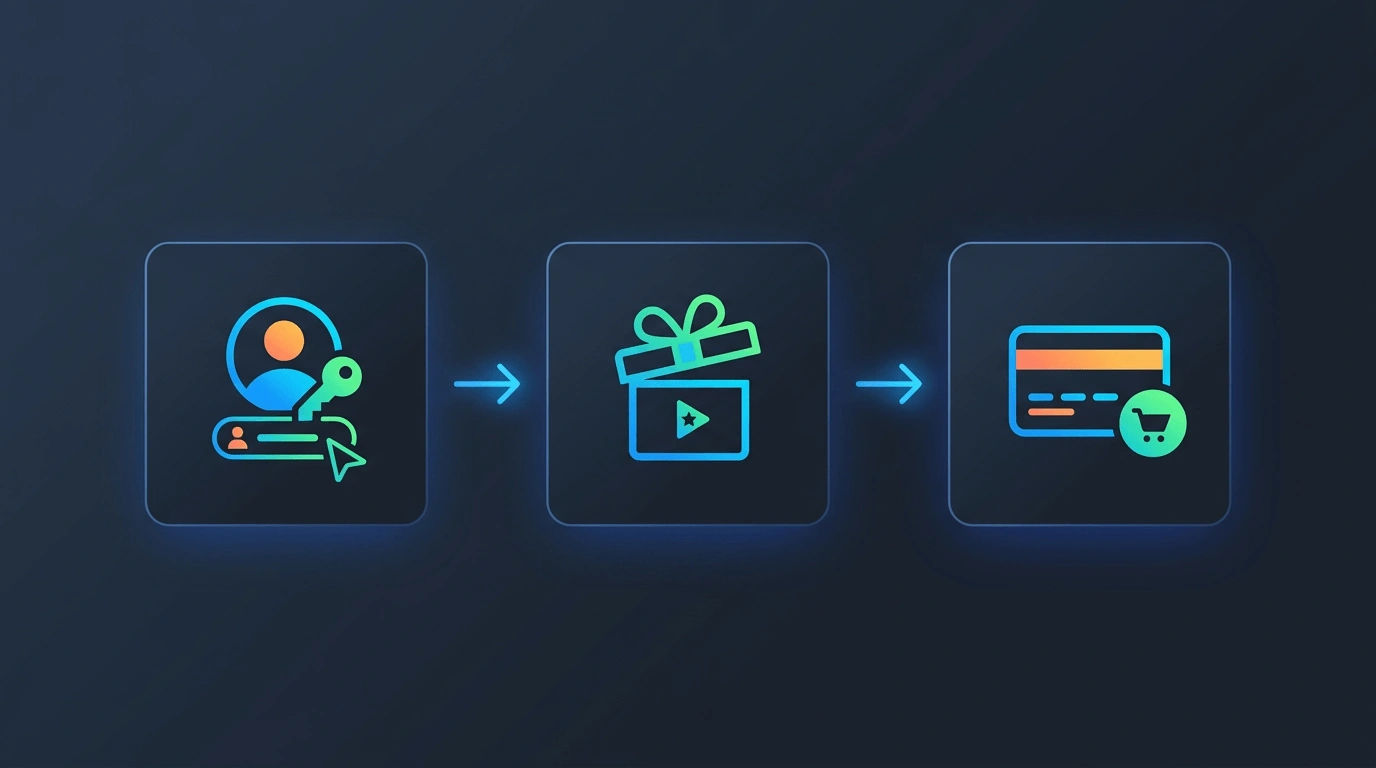
Sign in with Google on GMaps to GPX.
Use your one free Maps→GPX conversion or any free tool (format converters, GPX Viewer, GPX→Maps) without spending credits.
When you need more Maps→GPX conversions, buy a credit pack. Credits never expire.
FAQ
Try GMaps to GPX
Paste a Maps link for your free conversion, or use any of the free format tools and GPX Viewer.