
Merge GPX files into one continuous track
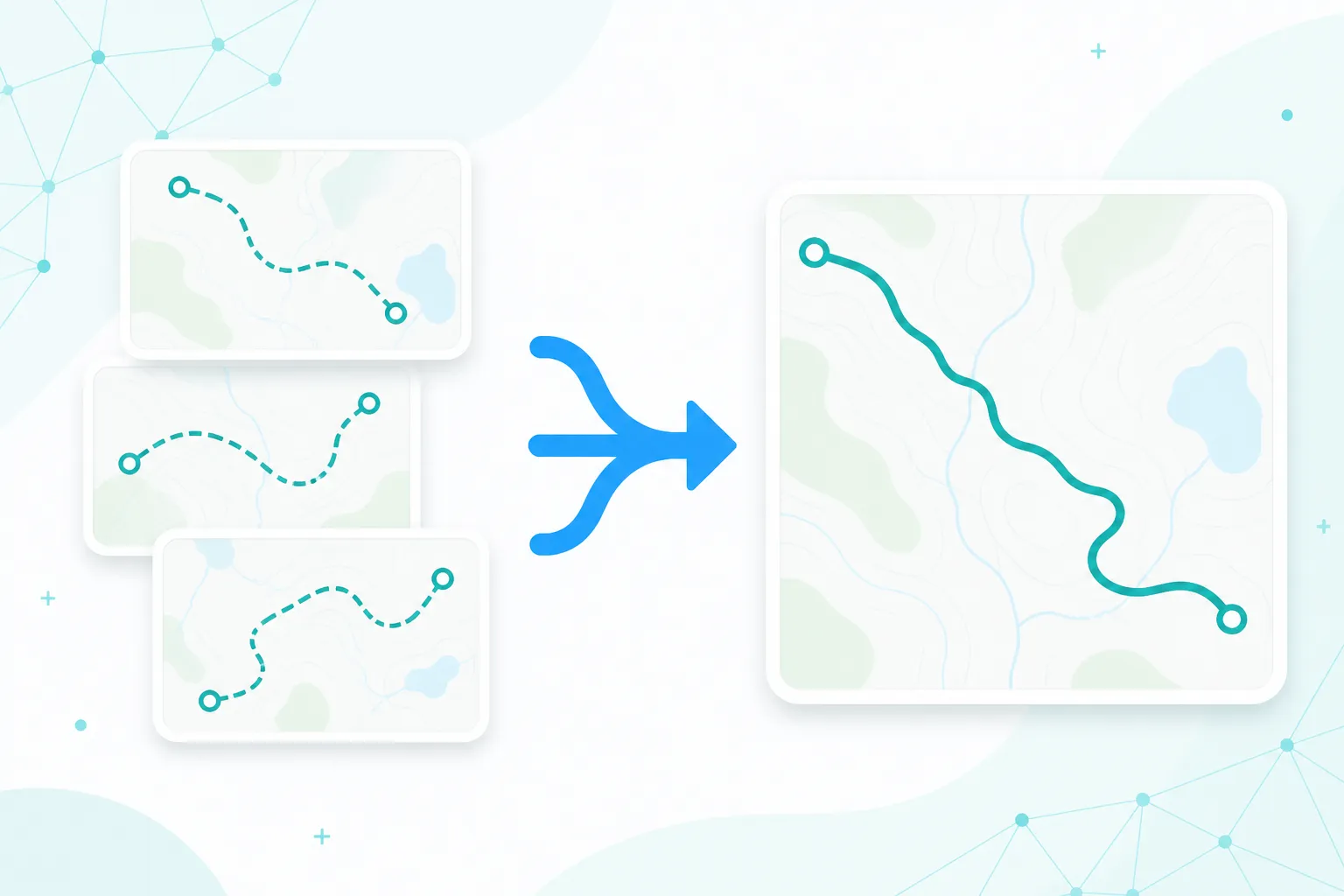
Combine day-by-day rides or hikes into a single GPX for sharing, animation, or device import. Everything runs locally in your browser.
GPX Merge
Select two or more .gpx files. We concatenate tracks in file order and dedupe waypoints, then let you download one merged GPX.
Order follows your selection. Mark mode names the first point of each file.
Why merge GPX files?
Multi-day trips often produce one file per day. Merging gives you one continuous route to share or import.
One file for the whole trip
Concatenate multi-day tracks without desktop software like GPSBabel.
Private and local
Parsing and merge run in your browser. Nothing is uploaded.
See it on a map
Preview the combined path before you download.
How to merge GPX files
Three steps from separate day files to one downloadable GPX.
Select multiple GPX files
Use multi-select or drag several .gpx files at once (at least two).
Choose merge style
Concatenate as one continuous track, or label each file’s start as a segment boundary.
Download the result
Preview the path, then download a single merged .gpx.
Good to know
Files are merged in the order you select them. Sort or rename before uploading if sequence matters.
Segment mode labels the first point of each file with the filename so you can see day boundaries. Single mode concatenates points without those labels.
Timestamps and elevation are kept when present. Very large merges may be slow in the browser — simplify first if needed.
When to use GPX Merge
- Bikepacking or hiking trips recorded as one GPX per day.
- Building one map animation or Instagram story from many segments.
- Importing a full tour onto a Garmin as a single course.
- Combining teammate tracks recorded on different devices.
Ready to merge your GPX files?
Drop multiple GPX files above and download one combined track.