
Simplify GPX tracks — smaller files, same route shape
Long Google Maps exports can be huge. Upload a GPX, dial the tolerance, and download a lighter track that still follows the path. Everything runs in your browser.
GPX Simplify / Compress
Upload a .gpx track or route, choose how aggressively to remove redundant points, and download a smaller file. Conversion runs in your browser — files are not uploaded.
Why simplify a GPX file?
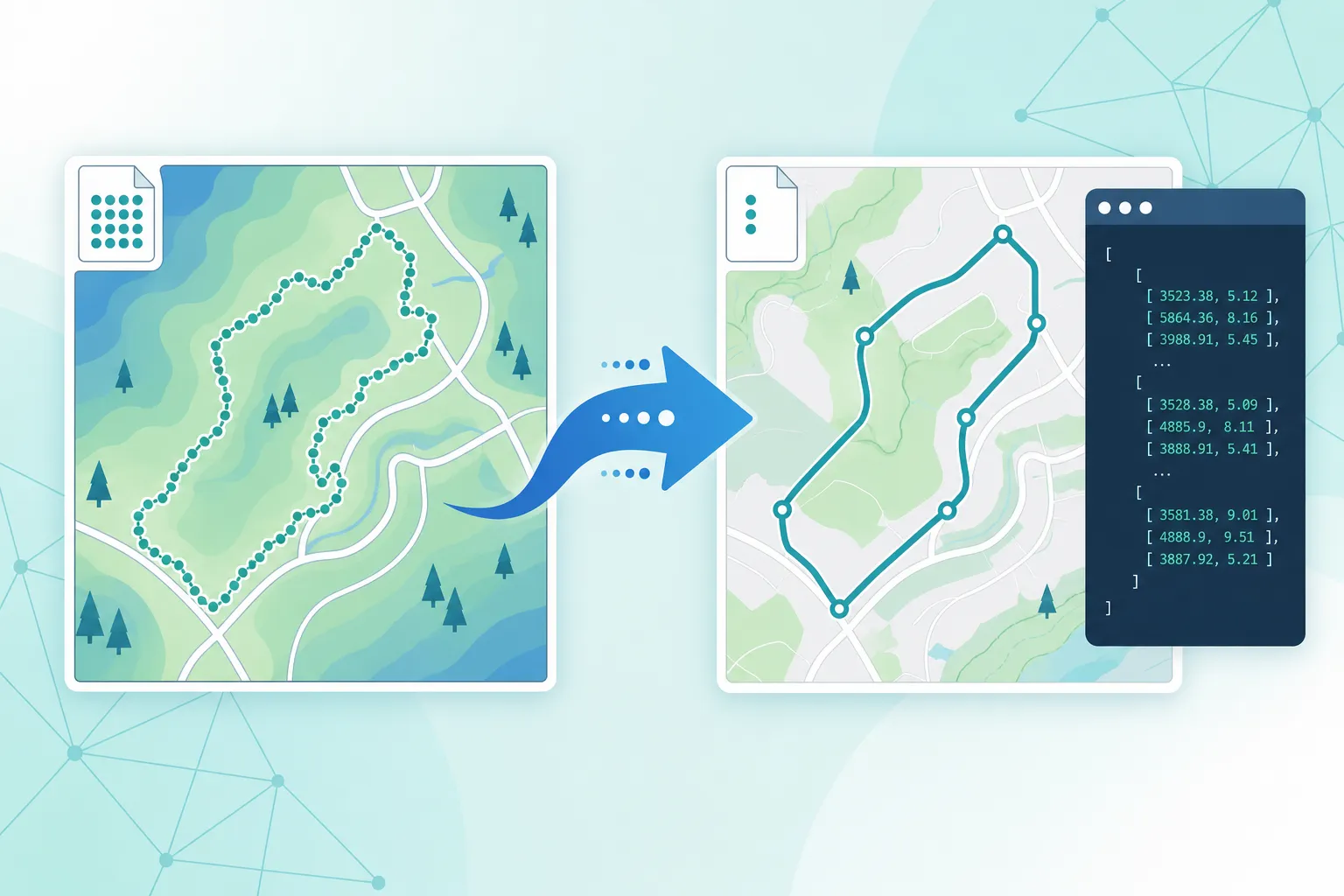
Dense road-following tracks are accurate but heavy. Thinning redundant points makes downloads, email, and GPS apps easier without redrawing the route as straight jumps.
Cut size, keep the shape
Remove redundant points along nearly straight stretches while keeping corners and the overall road or trail outline.
Runs in your browser
Upload and download stay on your device. No account and no server-side file storage for this tool.
Built for large Tracks
Ideal after a full road-path Maps conversion. Pair with an optional max-points cap when a device needs a hard limit.
How to compress a GPX track
Three steps from a large GPX to a smaller one you can still import into Garmin, OruxMaps, or any GPX app.
Upload your GPX
Drop a .gpx file with a track or route. Waypoints can be preserved separately.
Set tolerance
Use the meter slider (and optional max points). Higher values mean fewer points and a smaller file.
Download the result
Compare before/after counts and size, then download the simplified GPX for your GPS app.
Good to know
This tool uses Douglas–Peucker simplification with a meter-based tolerance. Higher tolerance removes more points and shrinks the file faster; lower tolerance keeps more detail along curves.
Simplifying reduces file size. It does not snap a sparse straight-line route onto roads. If your GPX already looks like straight segments between far-apart points, re-convert with Google Maps to GPX in Track mode for full road geometry, then compress here if needed.
All processing is local. Need a road-following track from a Maps link? Use Google Maps to GPX.
When to use GPX Simplify
- Your Maps-to-GPX Track export is several megabytes and hard to share or import.
- A GPS app rejects or slows down on files with tens of thousands of track points.
- You want a lighter archive of a hike or drive while keeping the overall path.
- You are preparing GPX for email, firmware limits, or devices with small storage.
Need the path to follow roadways first? Start with Google Maps to GPX (Track), then come back here to compress.
Ready to shrink your GPX?
Upload a GPX above, tune the tolerance, and download a smaller track in seconds.