
Convert KMZ to GPX — from Google Earth to any GPS app
Upload a KMZ from Google Earth or My Maps and download a GPX track. We unzip the archive and convert the KML inside — entirely in your browser.
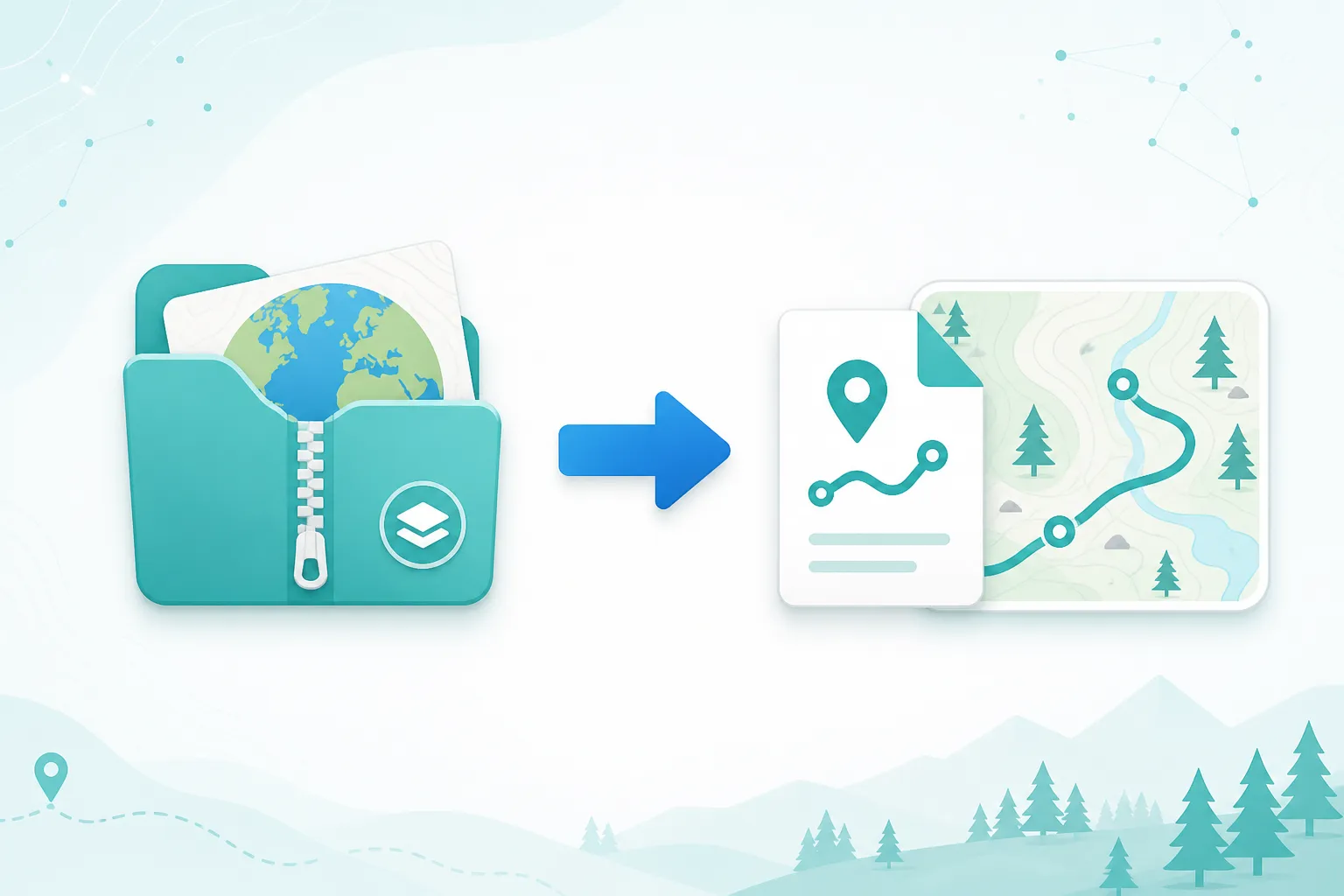
KMZ to GPX
Upload a .kmz file. We extract the KML inside and convert it to GPX for Garmin, OruxMaps, Locus Map, and more.
Why convert KMZ to GPX?
KMZ is a zipped KML package from Google Earth. Most GPS apps need GPX, not KMZ.
Handles zipped Earth files
No need to unzip manually. We find doc.kml (or the first .kml) inside the KMZ and convert it.
Runs in your browser
Unzip and convert locally in JavaScript. Your file is never uploaded.
Ready for GPS apps
Output is standard GPX for Garmin, OruxMaps, Locus Map, OsmAnd, and more.
How to convert KMZ to GPX
Three steps from a KMZ archive to a GPX file you can import anywhere.
Upload your KMZ
Select a .kmz file exported from Google Earth or another KML tool.
We unzip and convert
The archive is opened in your browser, the KML is parsed, and a GPX file is built.
Download GPX
Download the .gpx and import it into your GPS device or navigation app.
Good to know
A KMZ file is a ZIP archive that usually contains doc.kml plus optional images. We open the archive in your browser, read the KML, and build a GPX track or waypoints.
Embedded photos and custom Earth styles are not carried into GPX — only coordinates and names/descriptions we can map.
Already have an unzipped .kml? Use KML to GPX instead.
When to use KMZ to GPX
- You exported a tour or placemarks from Google Earth as KMZ.
- Someone shared a My Maps / Earth package and you need it on a Garmin or phone GPS app.
- Your GPS app rejects KMZ but accepts GPX.
- You want a private, no-upload conversion on a large Earth archive.
Ready to convert your KMZ?
Upload a KMZ above and download a GPX in seconds.