
Google Maps Directions URL vs My Maps KML → GPX
There are two common ways people get a route out of Google’s map products: a directions URL, or a My Maps / Google Earth KML export. They need different tools.
TL;DR
If you have a directions link with /dir/ (including maps.app.goo.gl), use GMaps To GPX. If you exported KML/KMZ from My Maps or Google Earth, use KML to GPX or KMZ to GPX — no directions URL required.
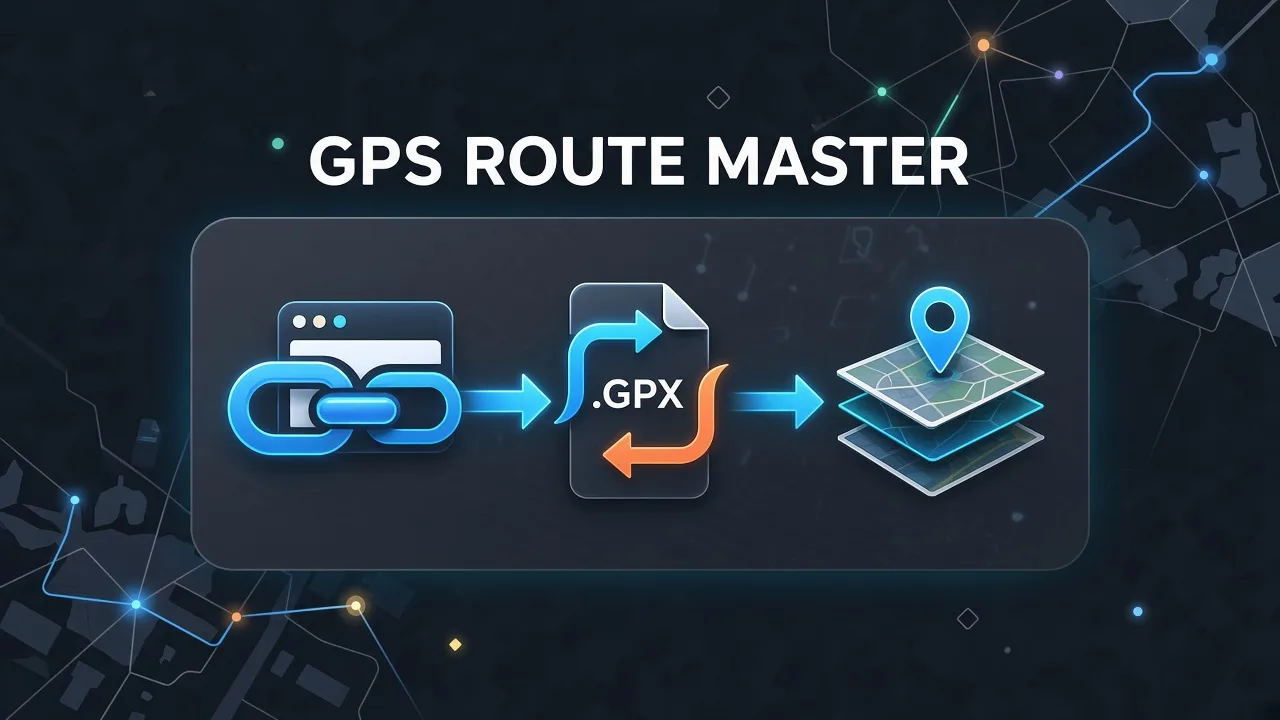
Path A — Directions URL → GPX
A Google Maps directions URL is a link to a routed trip (walking, driving, cycling, or transit). After expansion it contains /dir/ in the path. GMaps To GPX fetches that geometry and writes a GPX track or waypoint file.
- Open Google Maps, build directions, copy the share URL.
- Paste into GMaps To GPX, sign in, choose track or waypoint format.
- Download the GPX.
Path B — My Maps / Earth KML → GPX
Google My Maps and Google Earth store layers as KML (or KMZ zip). Those files are not directions URLs. Export KML/KMZ from My Maps, then convert locally with our free format tools.
- In My Maps or Google Earth, export the layer as KML or KMZ.
- Open KML to GPX (or KMZ to GPX) on this site.
- Upload the file in your browser and download GPX — nothing is uploaded to a server.
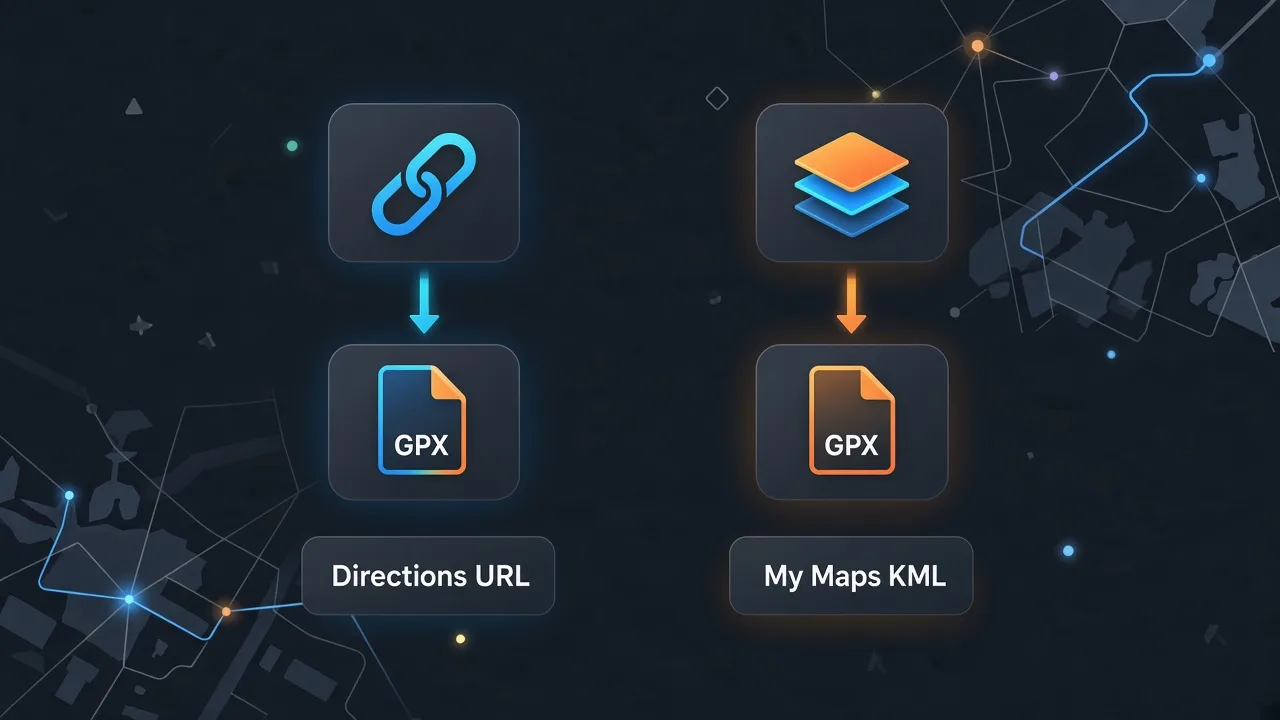
Quick comparison
| Source | Tool on this site | Sign-in? |
|---|---|---|
| Maps directions URL | Google Maps to GPX (home) | Yes (to fetch the route) |
| My Maps / Earth KML | KML to GPX | No |
| KMZ archive | KMZ to GPX | No |
FAQ
Related tools
Start with the right tool
Have a directions link? Convert on the home page. Have KML? Use the free converter.
Google Maps to GPX