
What is GPX? Track vs route vs waypoint
GPX (GPS Exchange Format) is an open XML standard for storing geographic paths and points so apps and devices can share the same route file.
TL;DR
Use a GPX track for road-shaped navigation in Android GPS apps and many Garmin workflows. Use waypoints (route mode) for Xcode / iOS Simulator and Pokemon GO route tools that need discrete timed points.
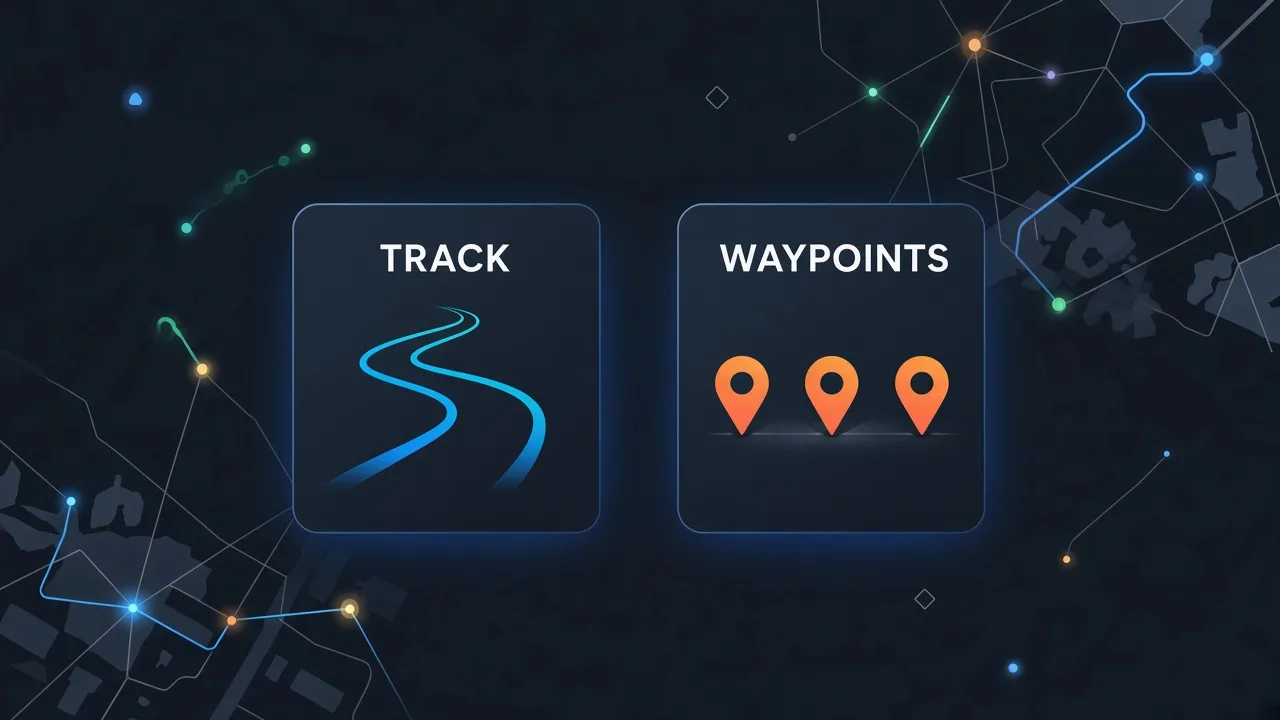
What is GPX?
GPX (GPS Exchange Format) is an open XML file format for GPS data — tracks, routes, and waypoints. Garmin, Strava, OruxMaps, Locus Map, Komoot, and most GPS apps can import or export GPX. It is the most widely supported interchange format for consumer GPS routes.
Track vs route vs waypoint
The same .gpx file can contain different element types. Choosing the right type avoids “straight line” paths or Simulator errors.
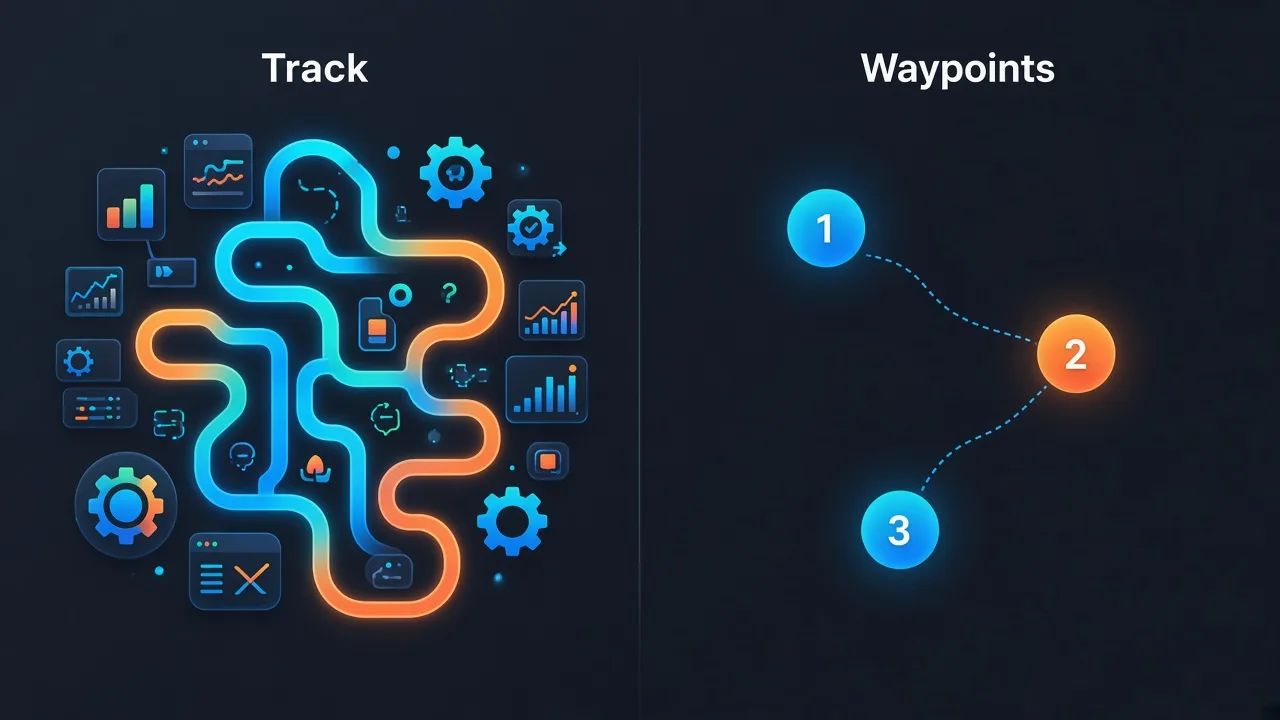
Which GPX type should you use?
| Type | What it is | Best for |
|---|---|---|
| Track (trkpt) | Dense sequence of points along the path | OruxMaps, Locus, OsmAnd, road-following Garmin courses |
| Route (rtept) | Ordered turn/stop points; lighter file | Planners that connect points; some devices that prefer routes |
| Waypoint (wpt) | Named discrete points; often with timestamps | Xcode Simulate Location, Pokemon GO route tools |
How to get the right GPX from Google Maps
- Plan a directions route in Google Maps and copy the URL (full or maps.app.goo.gl).
- Paste it into GMaps To GPX and sign in with Google.
- Choose track mode for Android/Garmin-style paths, or waypoint mode for Xcode / Pokemon GO.
- Download the GPX and import it into your app or device workflow.
FAQ
Related tools
Convert a Maps route to GPX
Paste a Google Maps directions link and download track or waypoint GPX.
Open converter